Your ideas, infinite
space to grow
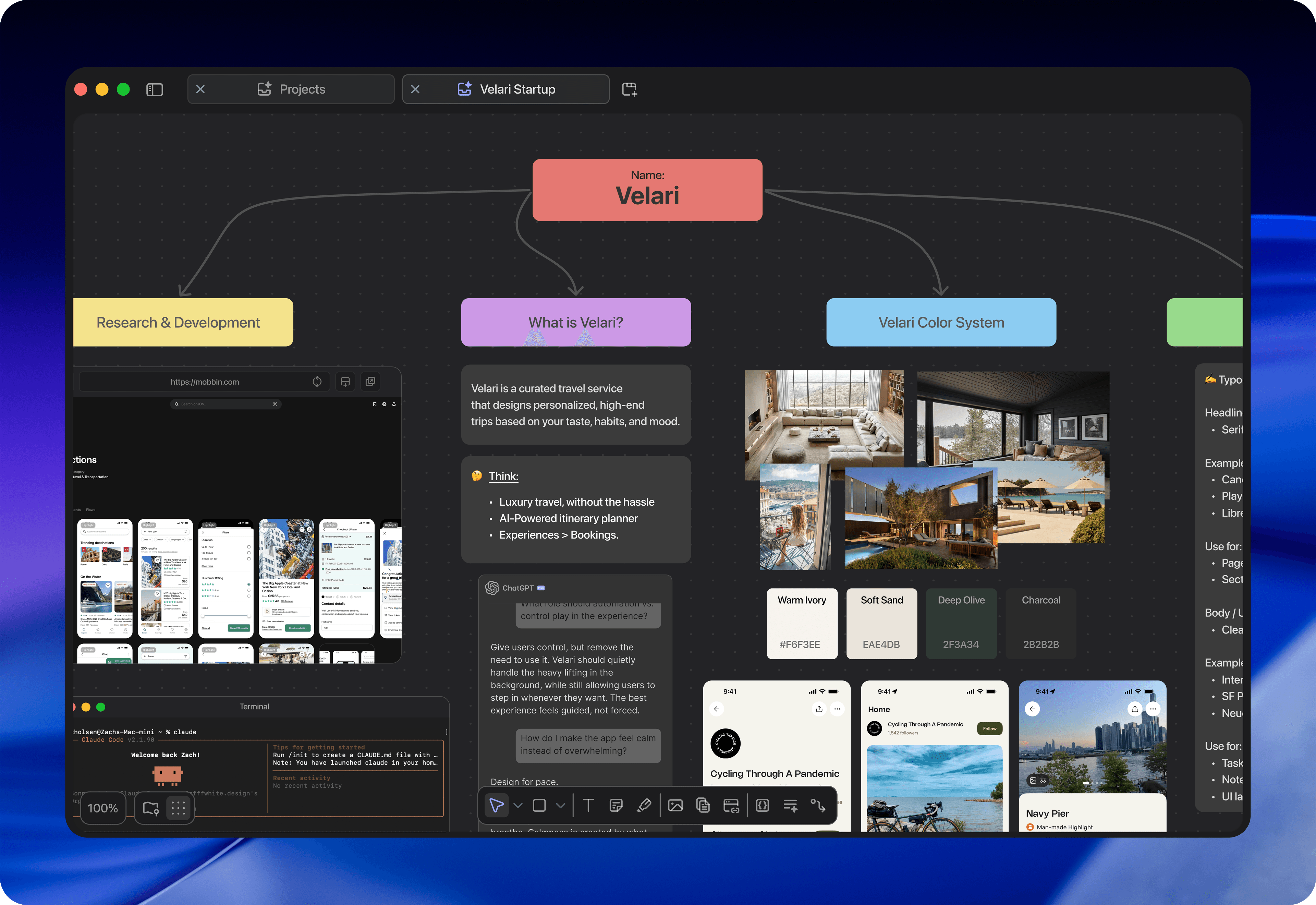
Atlas gives you an infinite canvas to think, plan, and build. Create projects, organize freely, and watch your ideas take shape.
Everything you need,
nothing you don't
Built with intention. Every feature exists for a reason.
Infinite Canvas
No edges, no limits. Pan, zoom, and expand your workspace in every direction. Your ideas deserve room to breathe.
Projects
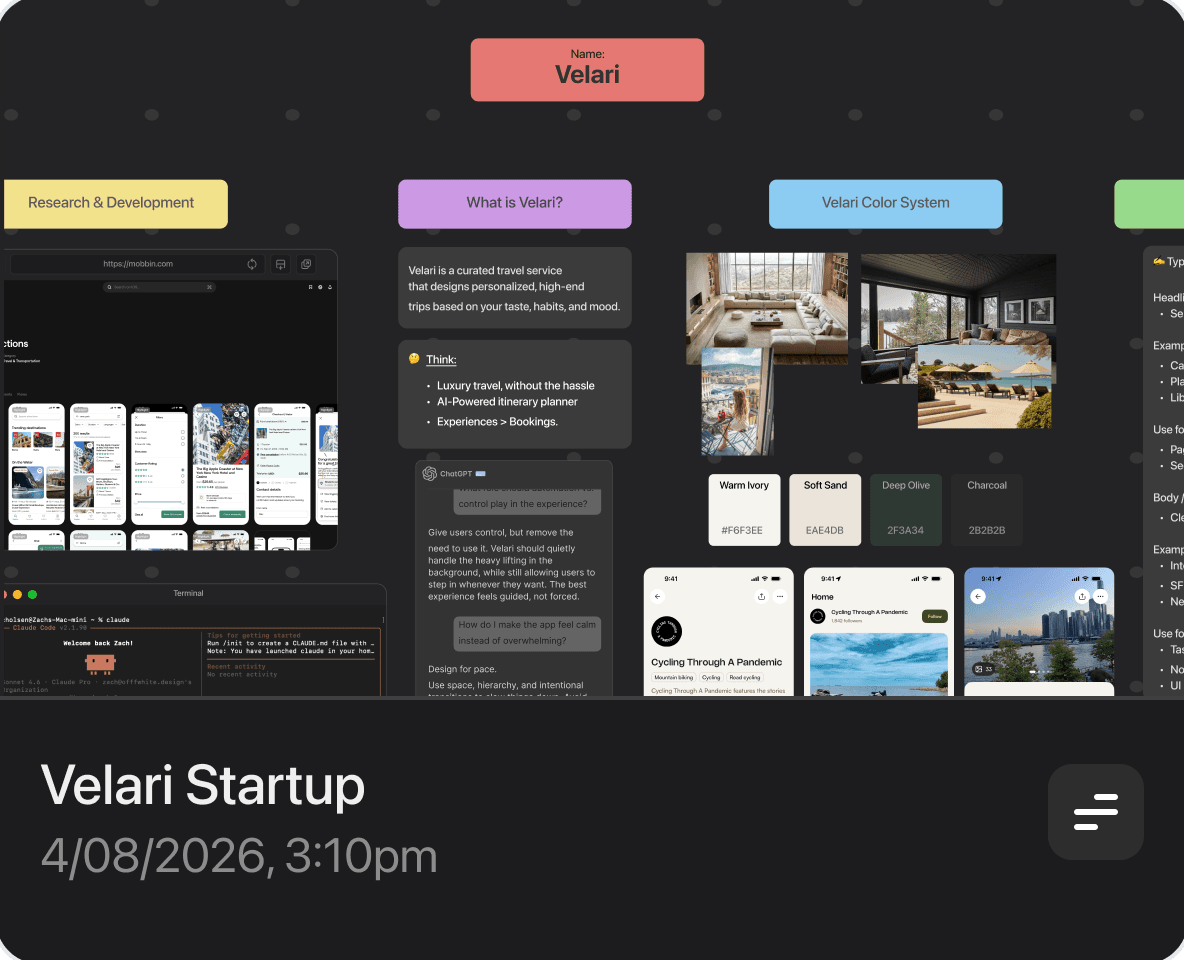
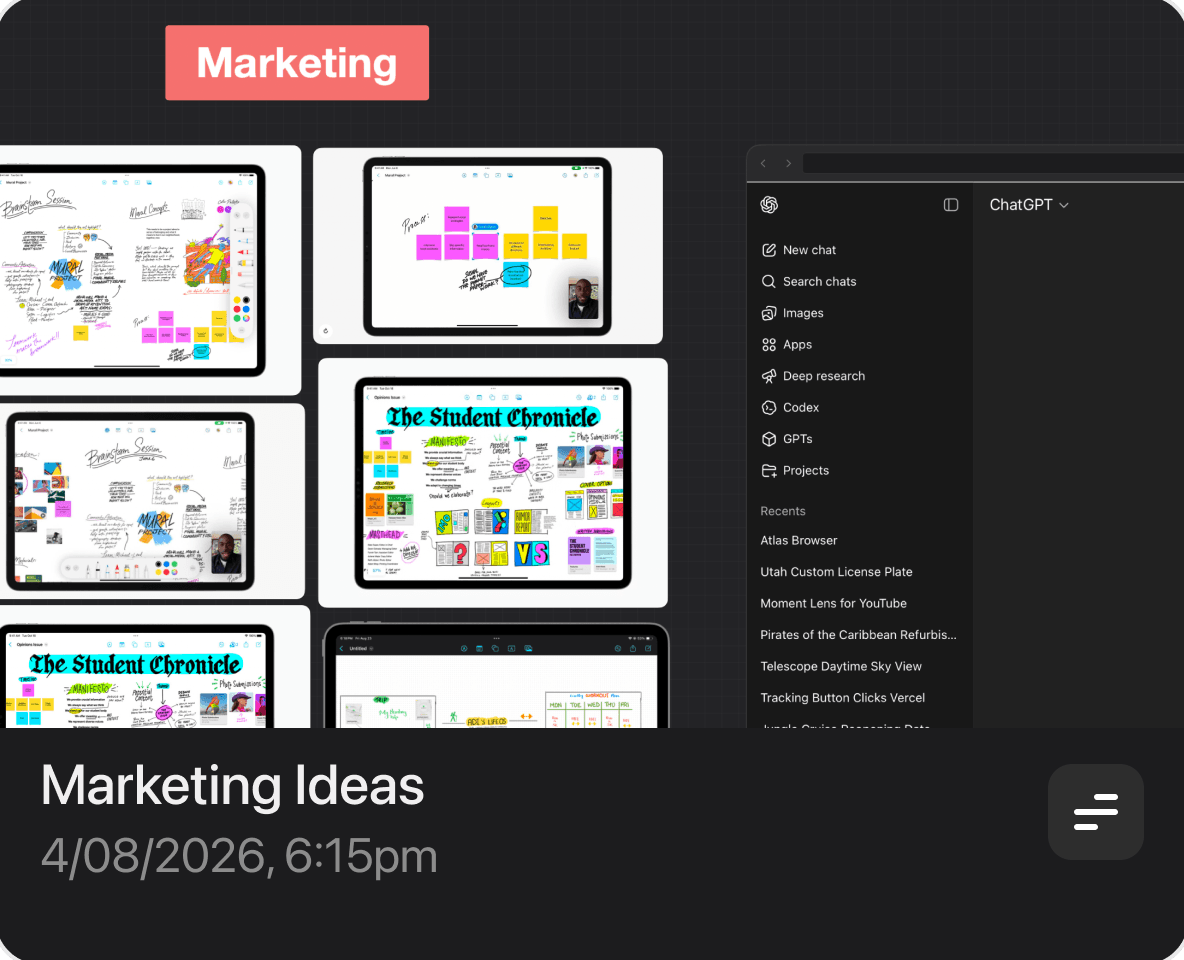
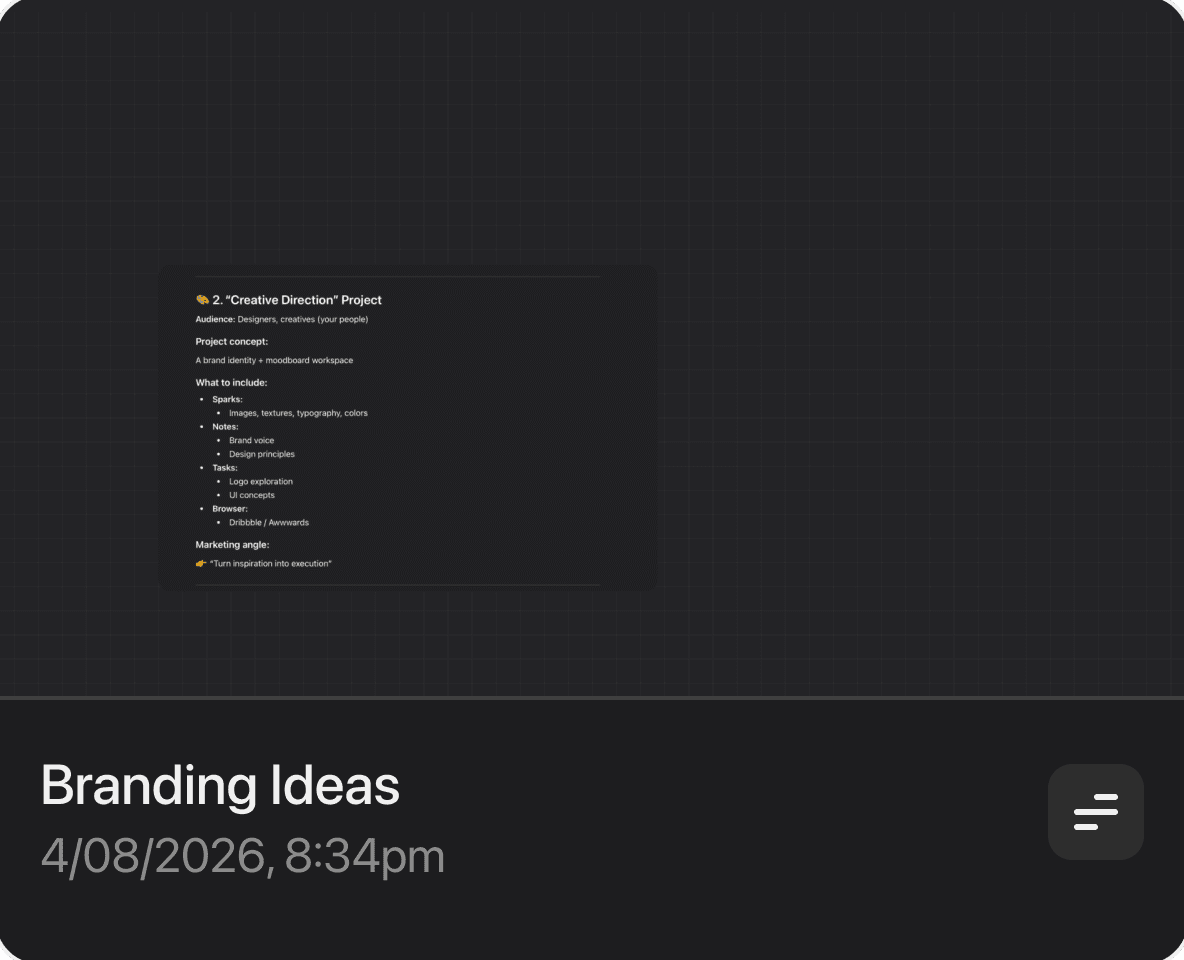
Organize everything into projects. Each one is its own world — a dedicated space for a specific idea, plan, or goal.
Think Freely
Drop notes, images, sketches, and links anywhere on the canvas. No rigid structure — just flow.
Plan & Build
Move from loose ideas to structured plans. Atlas adapts to how you work — from brainstorm to execution.
Native macOS
Built specifically for Mac. Fast, fluid, and feels right at home alongside your favorite apps.
Beautiful & Minimal
A clean, distraction-free interface that puts your content first. Dark mode included, naturally.
Web Browser
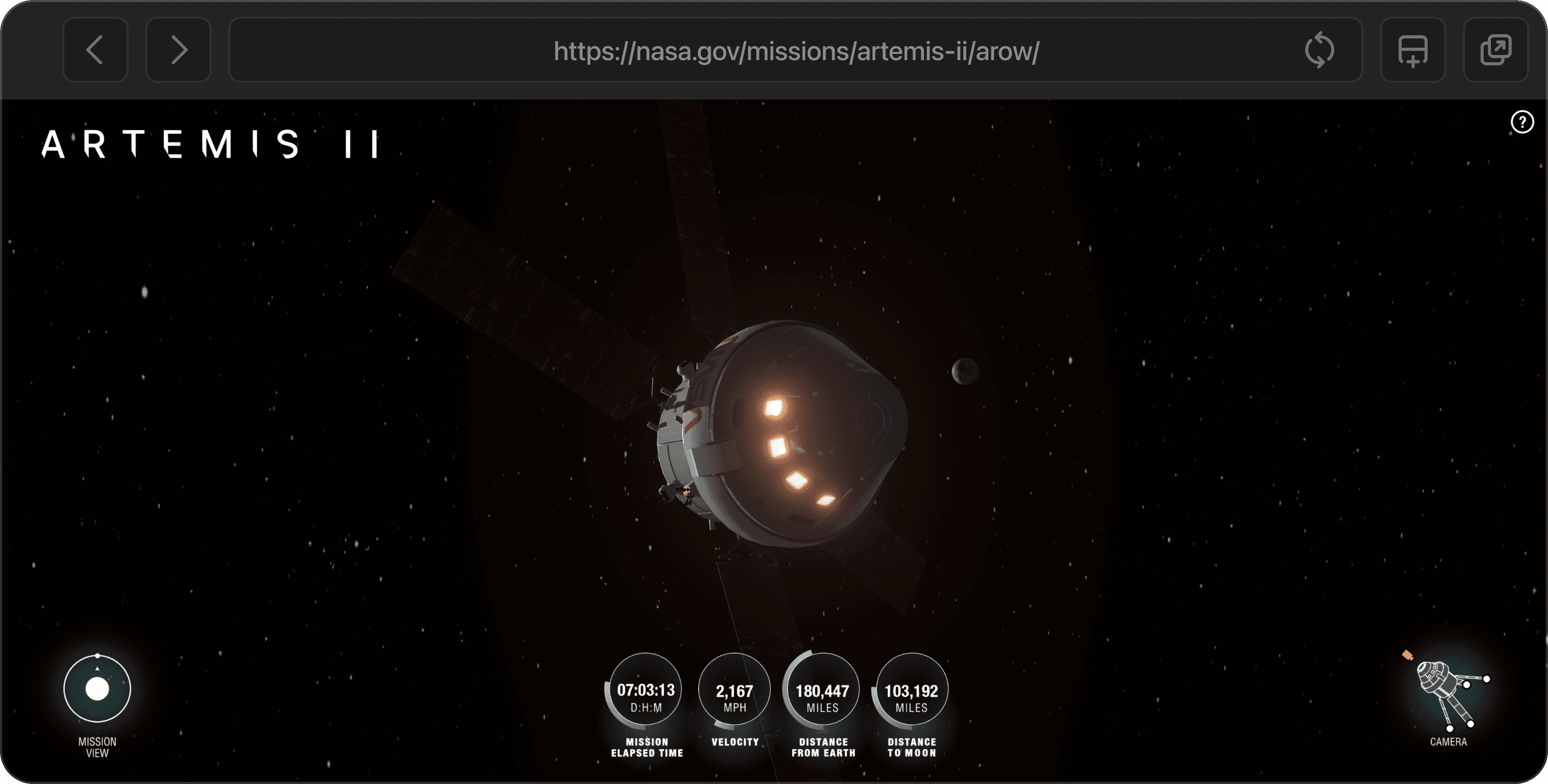
Browse the web without leaving your canvas. Research, reference, and gather inspiration — all without breaking your flow.
The Terminal
A built-in terminal right on your canvas. Run commands, interact with AI CLIs, and build — all without switching windows.
AI Chat
Connect your favorite AI provider and chat directly from your project. Bring your own API key and think alongside AI.
From spark to
finished product
A natural workflow that grows with your thinking.
Create a Project
Start with a blank project for each idea, client, or goal. Keep everything separated and focused.


Think on the Canvas
Drop anything onto the infinite canvas — notes, images, links, sketches. Let your thoughts flow without constraints.

Plan & Execute
Organize your scattered thoughts into structured plans. Move seamlessly from ideation to execution.
Built for speed
Every tool at your fingertips. No menus, no hunting. Just press and go.
A space for every thinker
However you think, plan, and build.
Atlas adapts to you.
Designers
Sketch wireframes, collect references, and map out entire design systems on one endless canvas.
Product Managers
Turn customer feedback, research, and requirements into structured product plans.
Developers
Plan features, sketch architecture diagrams, and stay focused with the built-in terminal.
Writers
Outline stories, organize research, and draft ideas without the tyranny of linear documents.
Researchers
Collect sources, cluster findings, and make connections across complex bodies of work.
Students
Take notes, mind-map study sessions, and visualize tough concepts in a way that clicks.
Founders
Map out business models, pitch decks, and go-to-market strategies in a single space.
Consultants
Build strategic frameworks, audit findings, and client deliverables visually from scratch.
Educators
Build interactive lessons, lesson plans, and visual explanations your students will love.
Artists
Moodboard inspiration, plan projects, and let your creative process breathe on an endless canvas.
Teams
Collaborate on projects, brainstorm in real-time, and keep everyone aligned around a shared vision.
Thinkers
Anyone with ideas that deserve more than a cramped document or a sticky note.
Every tool in one space
Atlas brings your favorite tools together.
No more switching windows.
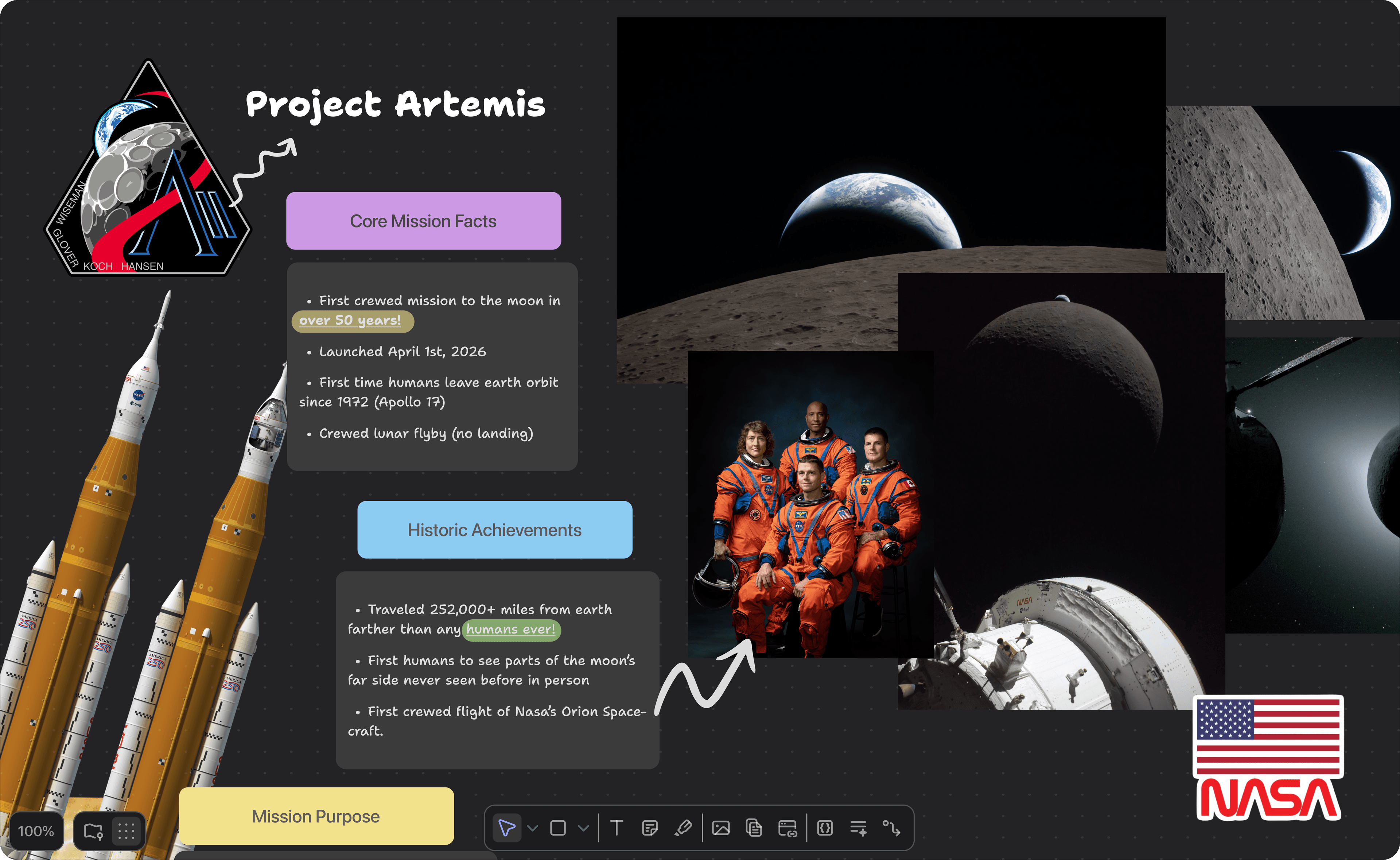
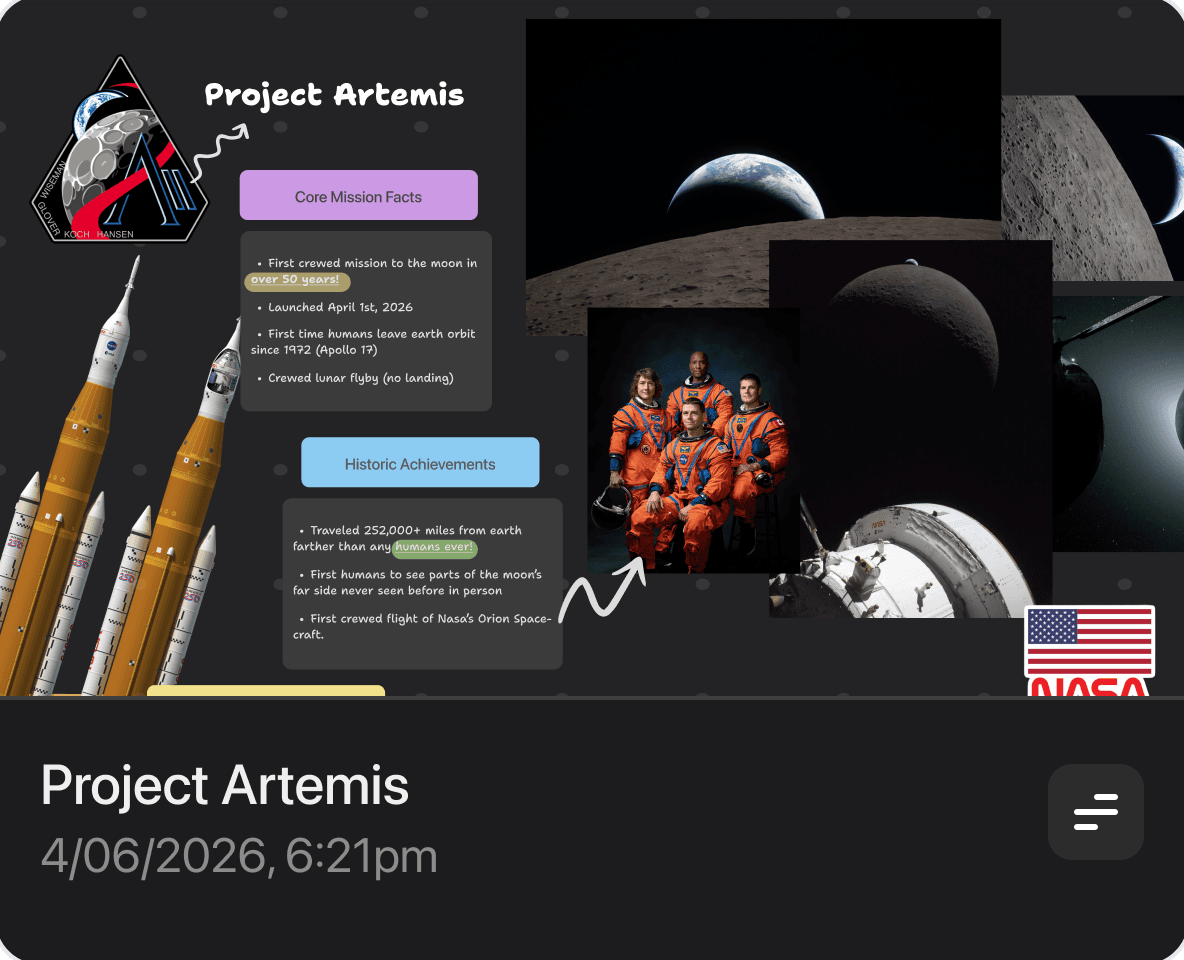
The Canvas
An endless, infinitely pannable workspace. Drop in anything — notes, sketches, links, images — and arrange it however your mind works.
The Sidebar
Navigate projects, tools, and tags from one always-visible place. Collapse it when you need full focus.
Projects
Every idea gets its own world. Create a project for each client, concept, or experiment — and jump between them instantly.
The Browser
Research without leaving your flow. Browse the web right inside your canvas — reference sites, watch videos, keep context.
The Terminal
A built-in terminal for when code is part of the plan. Run your favorite AI CLIs like Claude Code directly on your canvas.
AI Chat
Chat with your favorite AI model right on your canvas. Bring your own API key and keep every conversation in context.
Help me brainstorm names for my app.
Based on your moodboard: Atlas, Compass, Beacon. Want me to riff on any?
Tasks
Turn scattered thoughts into actionable plans. A simple kanban built right into every project.
The fine print
The details that matter.
What's included
Atlas is free to use. Atlas Pro unlocks the full power of your canvas.
Frequently asked questions
Everything you need to know about Atlas.
Atlas is a macOS app that gives you an infinite canvas to think, plan, and build. Create projects, drop in notes, sketches, images, and links — all without the constraints of rigid documents or folders.
Ready to start?
Download Atlas and give your ideas the space they deserve. Free to get started.